Approved VR Headsets for VR Smoke School
VR Smoke School supports a variety of standalone virtual reality headsets for EPA Method 9 certification. An approved headset is only required for certification testing — you can register, complete the online lecture and take practice tests from a computer.
An approved headset can be purchased for under $350.
One headset can be shared by an unlimited number of students.
Multiple brands and models are supported.
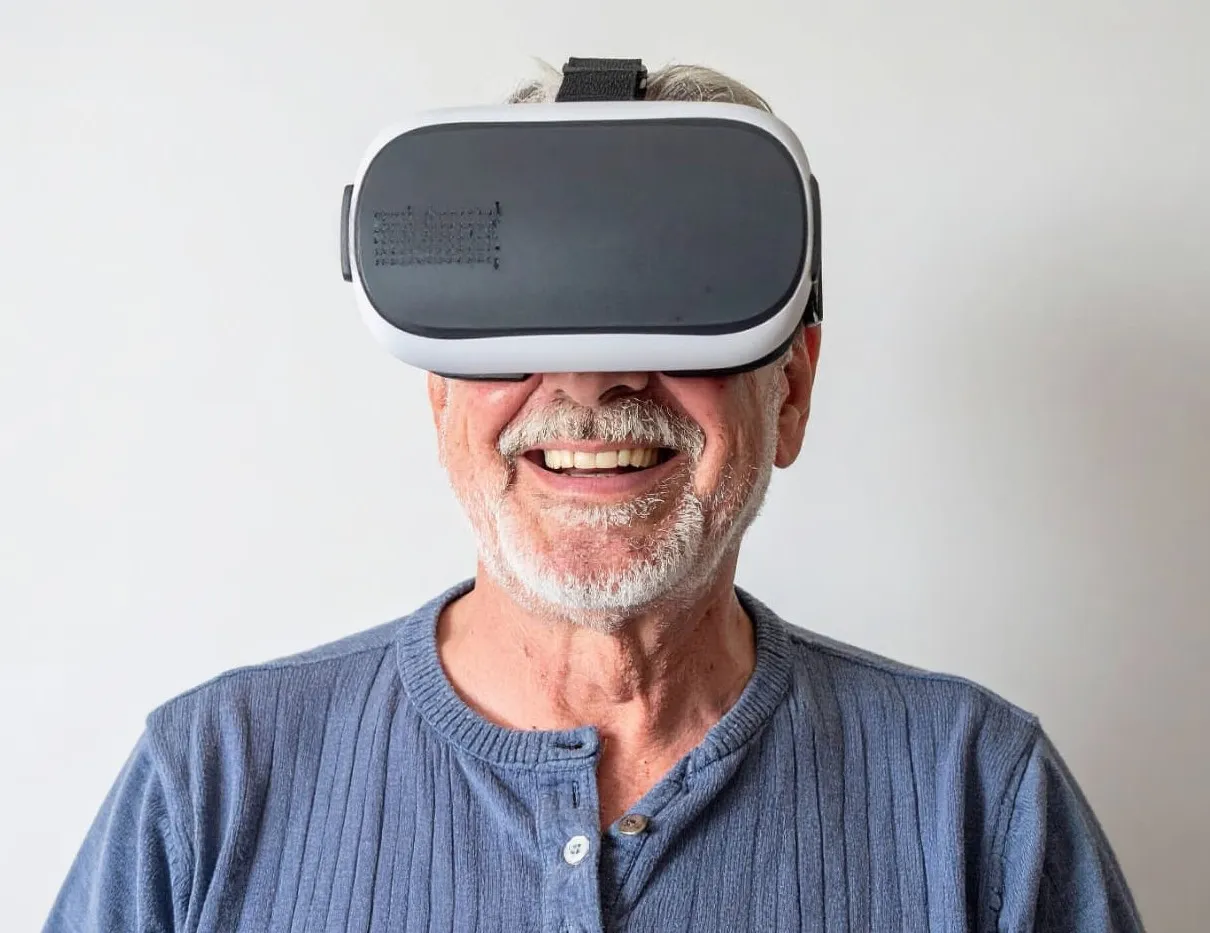
Approved Headsets
The following standalone VR headsets are approved for use with the VR Smoke School program and meet the requirements of EPA ALT-152. You can use any of these models to take your certification test. All are wireless and do not require a connection to a computer.
Meta
- Meta Quest 2
- Meta Quest 3
- Meta Quest 3S
- Meta Quest Pro
Pico
- Pico 4
- Pico G3
- Pico Neo 3
- Pico Neo 2
- Pico G2 4K
HTC
- HTC Vive Focus Vision
- HTC Vive Focus 3
- HTC Vive XR Elite
Looking for the most economical option?
An approved VR headset can be purchased for under $350. A single headset can be used for an unlimited number of students and certifications.
Where Do I Purchase a Headset?
Consumer models such as the Meta Quest 3 and Meta Quest 3S can be purchased from major retailers such as Walmart, Amazon and Best Buy.
For organizations that need commercial headset options, provisioning assistance or support with group purchases, VR Smoke School is partnering with a VR equipment distributor that will provide headset purchasing, setup and technical support.
How Much Does the VR Smoke School Program Cost?
The VR Smoke School program is 100% free to use. Register for a free account and you have instant access to the online lecture, training materials and the visual test. You only pay $250 when you pass the certification test on a headset and choose to validate your certification. See our price comparison to in-person smoke school.
Why is a VR Headset Needed?
A VR headset is only needed for the certification test. It is required by the EPA because it blocks ambient light and standardizes the viewing environment, ensuring every observer is evaluated under identical conditions.
No Special Apps - Very Easy to Use
VR Smoke School is accessed from the browser that is already installed on the headset. It's just like visiting a website on a computer or phone. You do not need to download an app or program.
Are Headsets Locked to the VR Smoke School Program?
No. We don't sell or lease headsets. You own the headset and can use it for any other purpose.
How to Access VR Smoke School on a Headset
Connect to the Internet
A stable internet connection is recommended.
Open the Headset Browser
Use the browser that is installed on your headset.
Sign In to Your Account
In the headset browser, go to vrsmokeschool.com and sign in to your account.
Start Your Visual Test
Follow the on-screen instructions. No VR experience is required.
Learn more about the VR Smoke School process.
Approved Headset FAQs
Quick answers to common questions about using a headset with VR Smoke School.